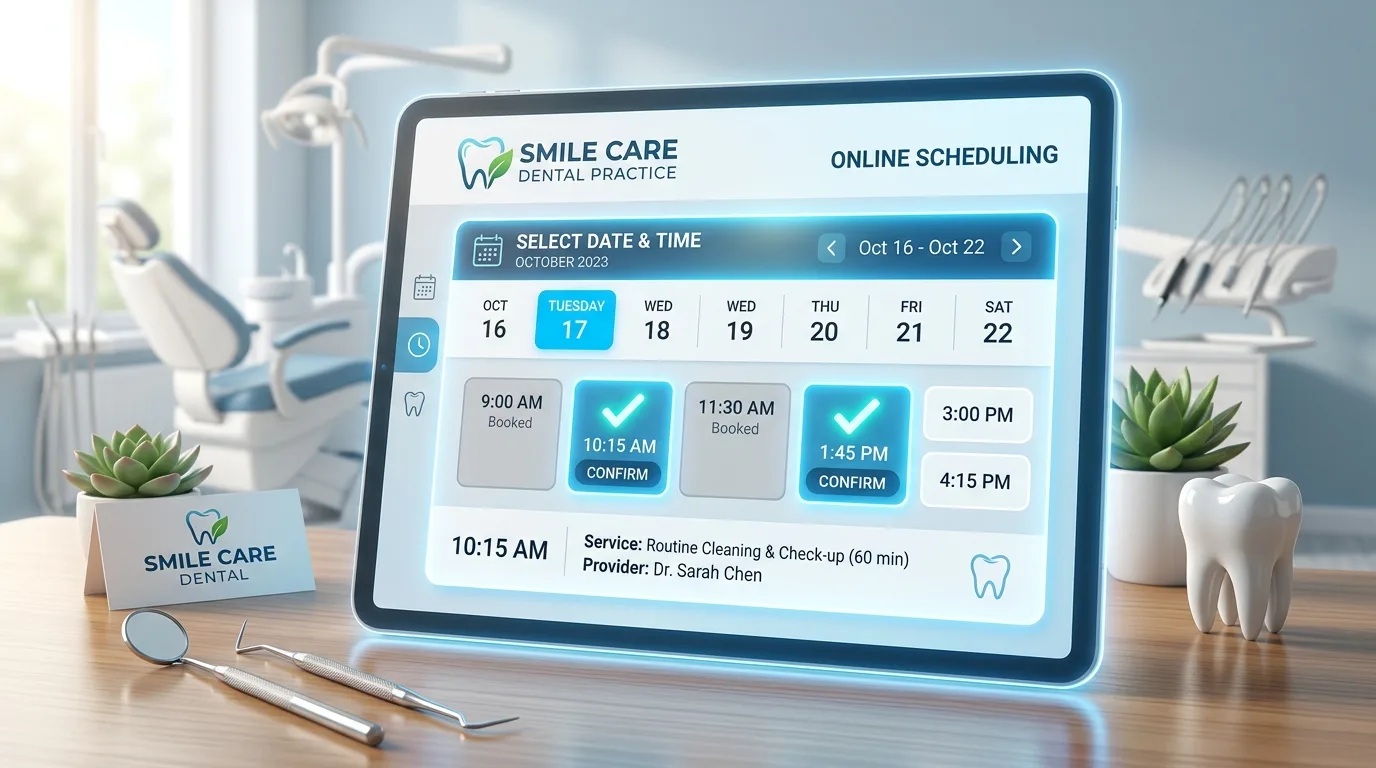
AI Generated Graphic
Quick Answer
A working online scheduling setup starts narrow and widens: expose hygiene visits for existing patients first, enforce lead-time and appointment-type rules against the live schedule, add a defined new-patient booking path once the team trusts the flow, and promote the booking link everywhere patients already interact with the practice.
Which appointments should be bookable online first?
Hygiene for existing patients is the standard starting point, and for good reason: the visit length is predictable, the patient is known, and the clinical risk of a mis-typed appointment is minimal. Starting here lets the team watch online bookings arrive for a few weeks and build confidence that the rules hold.
From there, practices typically add new patient exams as a dedicated appointment type with intake information collected at booking, then selectively add other predictable visit types. What stays offline is anything that needs clinical triage to schedule correctly, which is exactly what phone coverage is for.
What rules protect the schedule?
Four settings do most of the protective work. Lead time keeps same-hour surprises off the book, with many practices requiring a day for online bookings. Appointment-type mapping ensures an online hygiene booking consumes a hygiene slot of the right length, never a doctor column. Provider and chair participation lets you decide whose columns are exposed at all. And new-patient rules route first visits into the appointment type your practice designed for them.
Enforced against the live schedule, these rules mean online booking behaves like a well-trained scheduler. Enforced against a synced copy, they mean much less, which is why the integration question from our booking software guide comes first.
How do you actually get patients to use it?
Visibility, repeated. The booking link belongs on the website's most prominent button, in your Google Business Profile, in reminder texts, in recall outreach, and in the voicemail greeting for whatever calls the practice chooses not to answer live. Every message that could end with call us to schedule can also end with a booking link.
Uptake compounds. Each patient who books online once tends to keep doing it, which permanently shifts routine scheduling off the phones and leaves the line clearer for the calls that need a conversation.
What does rollout look like week by week?
Week one: configure appointment types, rules, and participating columns, and test with staff bookings. Week two: turn on hygiene booking for existing patients and add the link to the website and reminders. Weeks three and four: review every online booking as it lands, tune slot lengths and lead times, and brief the team on the handful of edge cases. Month two: add the new-patient path and widen promotion.
With PatientXpress, the bookings write natively to the Open Dental schedule from day one, so the review step is about tuning preferences rather than catching errors. Practices on other systems get the same flow through the Kolla connection.
How do you handle the schedule edge cases online booking creates?
A few scenarios need decisions before launch rather than after. Same-family sequential bookings: decide whether the flow supports booking multiple patients in adjacent slots, which households genuinely want. Provider preference: let returning patients default to their usual hygienist while leaving flexibility for faster availability. Buffer management: if certain procedures need setup time, encode it in the appointment type length rather than trusting memory. And the double-booking columns some practices run deliberately: expose only the layers online that a mistake cannot hurt.
None of these are reasons to delay; all of them are one-time configuration decisions. The practices that stall on online booking usually stalled on making these calls, not on the technology.
What should the team's daily interaction with online bookings be?
Lighter than teams expect, which is the point, but not zero. The productive habit is a morning glance at overnight bookings: confirm new patient bookings have complete intake information, spot anything routed to an odd slot, and note the occasional booking that warrants a welcome call, such as a new patient with a complex chief complaint noted. Ten minutes, most mornings finding nothing to fix.
What the team should not do is re-confirm every online booking by phone, a habit that creeps in from distrust and quietly doubles the work the feature removed. Trust the rules you configured, verify by exception, and let the tune-ups happen in the settings rather than in daily manual review.
Frequently Asked Questions
See the AI Dental Receptionist in action
Book a 20-minute demo and watch it answer calls, book appointments, and run reactivation campaigns inside your practice management software.
Book Your Free Demopatientxpress.us | 949-542-6773