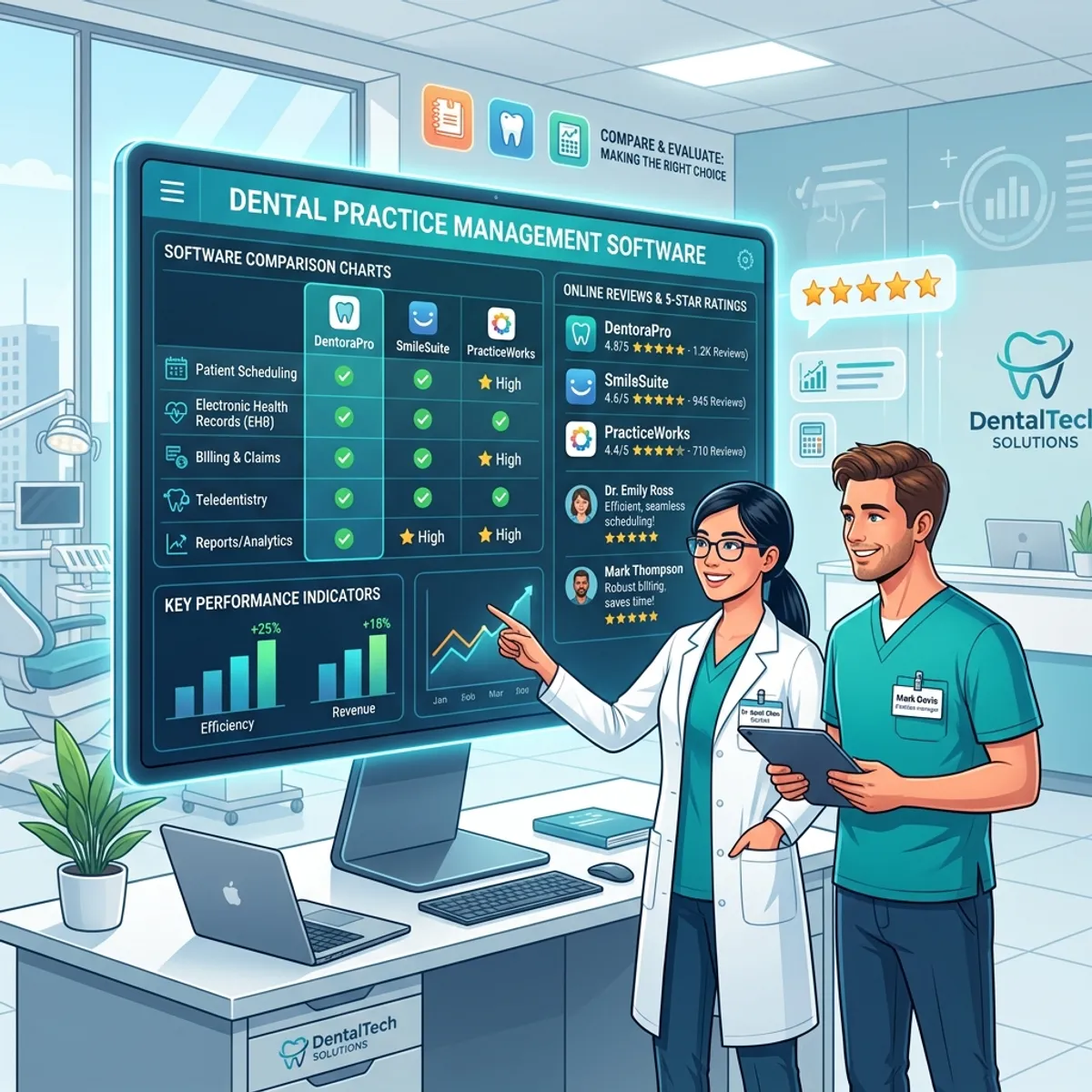
AI Generated Graphic
Quick Answer
Compare dental software by defining the specific jobs you need done before watching any demo, shortlisting only products that integrate properly with your practice management system, running every demo against the same scripted scenarios, and checking references with practices that resemble yours. Feature checklists mislead; job performance and integration depth decide outcomes.
Why do feature comparisons produce bad decisions?
Because every vendor's checklist looks nearly identical. Appointment reminders, check. Online booking, check. Insurance tools, check. The checkboxes hide the differences that determine daily reality: whether the reminder reads the live schedule or a stale copy, whether the booking writes to your calendar or a request queue, whether the insurance tool verifies automatically or gives your team a faster way to do manual work.
The fix is to stop comparing features and start comparing jobs. Not 'does it have online booking', but 'show me a new patient booking a Tuesday hygiene slot from your phone right now, and show me where that appointment appears in my schedule.'
What belongs on the shortlist filter?
Integration with your practice management system is the great filter, applied before anything else. Ask precisely how each product connects: native operation against the live database, a real-time API connection, or interval syncing. For an Open Dental practice, native integration is available and everything less is a compromise you should only accept knowingly. For Dentrix, Eaglesoft, and other systems, the question becomes the quality of the connection layer, which is where broad integration through Kolla earns its place.
Products that fail the integration filter do not go on the maybe list. They go off the list, because every other capability they offer will be built on data that is sometimes wrong.
How should demos actually be run?
You run them, not the vendor. Write five scenarios from your real week before the first demo: the new patient calling at lunch, the reschedule request by text, tomorrow's schedule needing verification, the checkout with a patient portion, the Monday report the owner wants. Ask every vendor to walk the identical scenarios and take notes on the same sheet.
Structured demos surface what free-form demos are designed to hide. When three products handle your reschedule scenario in three very different ways, you have learned something a feature grid never shows.
What do good reference checks sound like?
References volunteered by vendors are happy customers by construction, so use them for texture rather than verdicts, and ask questions that produce texture: what surprised you after go-live, what does support respond like on a bad day, what would you configure differently. Then find unofficial references, since practices in study clubs and forums who run the product will tell you the unvarnished version.
One last discipline: decide with the people who will live in the software daily. An office manager's misgivings in the demo are data, and they predict adoption better than any contract term.
How do you define the jobs before the demos start?
The needs-definition step gets skipped because it feels obvious, and its absence is why evaluations drift. Spend one team meeting listing the moments that hurt: the phones at lunch, the verification backlog, the forms clipboard, the end-of-day notes, the statement chase. Convert each pain into a job statement with a number attached: answer and book every call including the roughly forty we currently miss monthly; verify all of tomorrow's patients by tonight; collect patient portions at checkout instead of by statement.
The numbers do double duty. They keep the demos honest, since a vendor can be asked directly how their product performs the job at your volume, and they become the success metrics after purchase, so the evaluation and the post-purchase review use the same yardstick.
What contract terms deserve scrutiny before signing?
The unglamorous pages decide the relationship's worst days. Term length and exit: month-to-month or annual, and what leaving requires. Data portability: whether your data exports completely and in usable formats, which is the difference between a vendor you chose and one you are hostage to. Price protection: what renewal increases look like and whether quoted pricing survives year one. Support commitments: response times in writing, not in the sales deck. And implementation specifics: who does the work, how long it takes, and what it costs if it runs over.
Vendors comfortable with their product answer these plainly. Evasiveness on exit terms and data export is itself a demo, and it is showing you the ending.
Frequently Asked Questions
See the AI Dental Receptionist in action
Book a 20-minute demo and watch it answer calls, book appointments, and run reactivation campaigns inside your practice management software.
Book Your Free Demopatientxpress.us | 949-542-6773