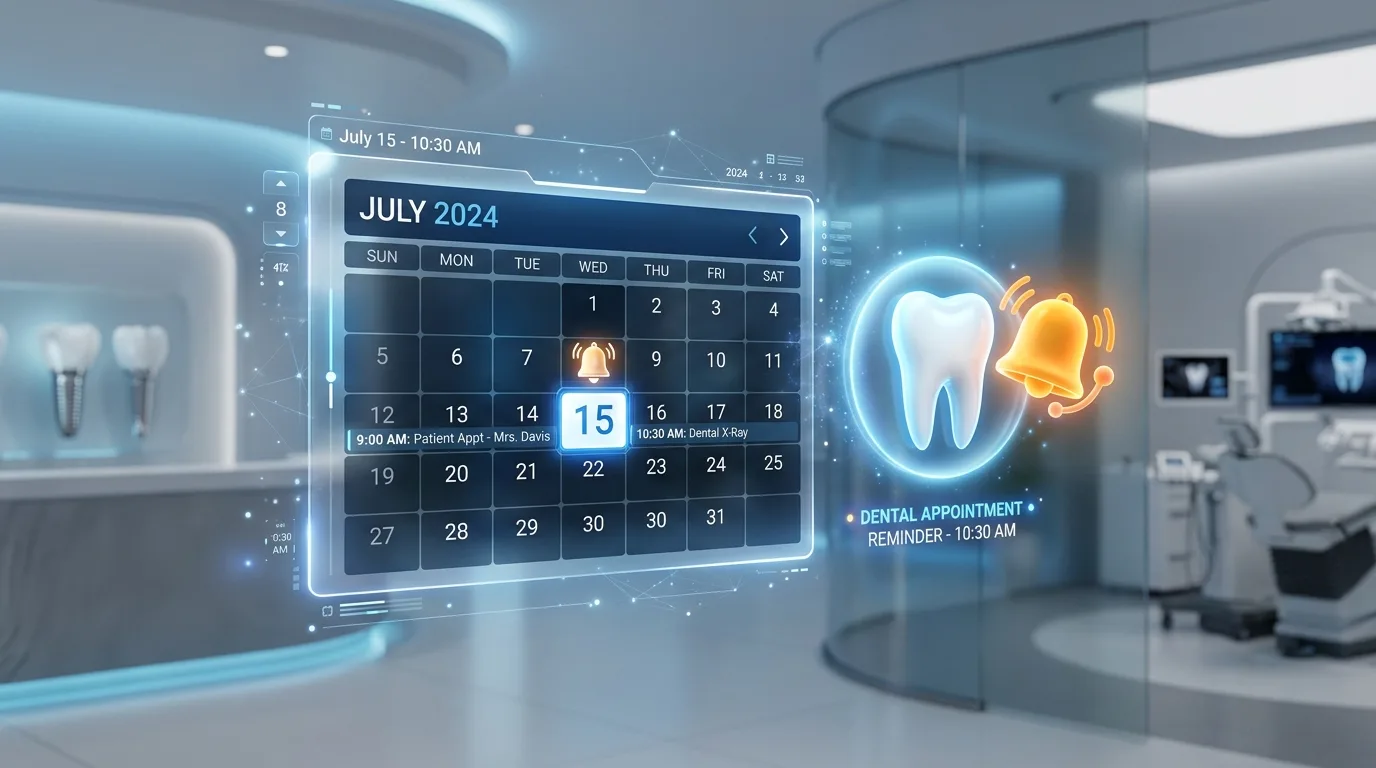
AI Generated Graphic
Quick Answer
Dental appointment reminder software automatically confirms upcoming appointments by text, email, or phone, reducing no-shows and freeing staff from manual confirmation calls. The systems that work best pull directly from the live practice schedule, adjust when appointments change, and let patients confirm or ask to reschedule in one step.
Why do no-shows persist even when teams make reminder calls?
Manual confirmation calling has two structural problems. It reaches patients at times convenient for the practice rather than the patient, which is why so many confirmation calls end in voicemail. And it consumes hours of front desk time that gets cut first whenever the day gets busy, which means the reminder coverage is weakest exactly when the schedule is fullest.
Software removes both problems. Reminders go out on schedule regardless of how busy the desk is, they arrive as texts that patients can answer in seconds from anywhere, and the confirmations write themselves back into the schedule.
What reminder cadence actually reduces no-shows?
A widely used and effective pattern is three touches: an initial confirmation request when the appointment is a week or two out, a reminder two to three days before, and a same-day or day-before final notice. The early touch catches conflicts while there is still time to refill the slot. The later touches prevent simple forgetting.
The details matter less than two principles. Reminders should require one tap to confirm, because friction kills response rates. And an unconfirmed appointment should trigger escalation, such as an additional touch or a call, rather than being treated the same as a confirmed one. The practices that see the biggest no-show improvements treat non-response as a signal, not a formality.
Why does live schedule integration matter so much?
Standalone reminder tools that sync with the schedule on an interval have a failure mode every office manager has met: the patient who rescheduled yesterday gets a reminder for the old time today. Every wrong reminder costs more trust than ten right ones earn, and it generates a confused phone call your team now has to handle.
Reminders that read the live schedule do not have this problem. When PatientXpress sends a reminder, it reflects the appointment as it exists in Open Dental at that moment, natively, with no sync window in between. Changes made an hour ago are already reflected. For practices on other systems, the same behavior runs through the Kolla connection.
What happens when a patient wants to reschedule instead of confirm?
This is where most reminder systems hand the problem back to your team: the patient replies that the time no longer works, and now someone has to call them back, play phone tag, and rebook manually. The reminder saved a no-show but created a task.
With the AI Dental Receptionist in the loop, the reschedule happens in the same motion. The patient calls or the conversation continues, real openings are offered from the live schedule, and the new appointment is booked without your team touching it. The reminder system and the phones stop being separate tools and start being one workflow.
How do reminders change front desk workload in practice?
Count the manual version honestly: a full-time desk making confirmation calls for two providers' schedules spends an hour or two daily dialing, leaving voicemails, and logging outcomes, and the work expands on exactly the days the desk can least afford it. Automating the sequence returns those hours whole, and it returns something subtler: the mental load of tracking who has and has not confirmed, which no longer occupies anyone's working memory.
The redeployment is where practices feel it. The same hours shift to treatment plan follow-up, insurance questions handled without a queue, and patients in the lobby greeted by someone whose attention is not split with a call sheet. Nothing about the reminder work was relationship-building; everything it displaced into now is.
What mistakes undermine reminder programs?
Four recur constantly. Over-messaging, where enthusiastic settings send five touches for a routine hygiene visit and train patients to ignore all of them; three well-timed touches beat five noisy ones. Dead-end replies, where a patient answers a reminder with a question and nobody is watching the inbox, converting a service into an insult. Stale-data sends from interval-synced tools, which we have covered, but which belongs on any list of program killers. And set-and-forget configuration, never revisited as no-show patterns shift by appointment type and season.
The common thread is treating reminders as a broadcast instead of a conversation opener. Every reminder is an invitation for the patient to respond, and the program is only as good as what happens when they do.
Frequently Asked Questions
See the AI Dental Receptionist in action
Book a 20-minute demo and watch it answer calls, book appointments, and run reactivation campaigns inside your practice management software.
Book Your Free Demopatientxpress.us | 949-542-6773