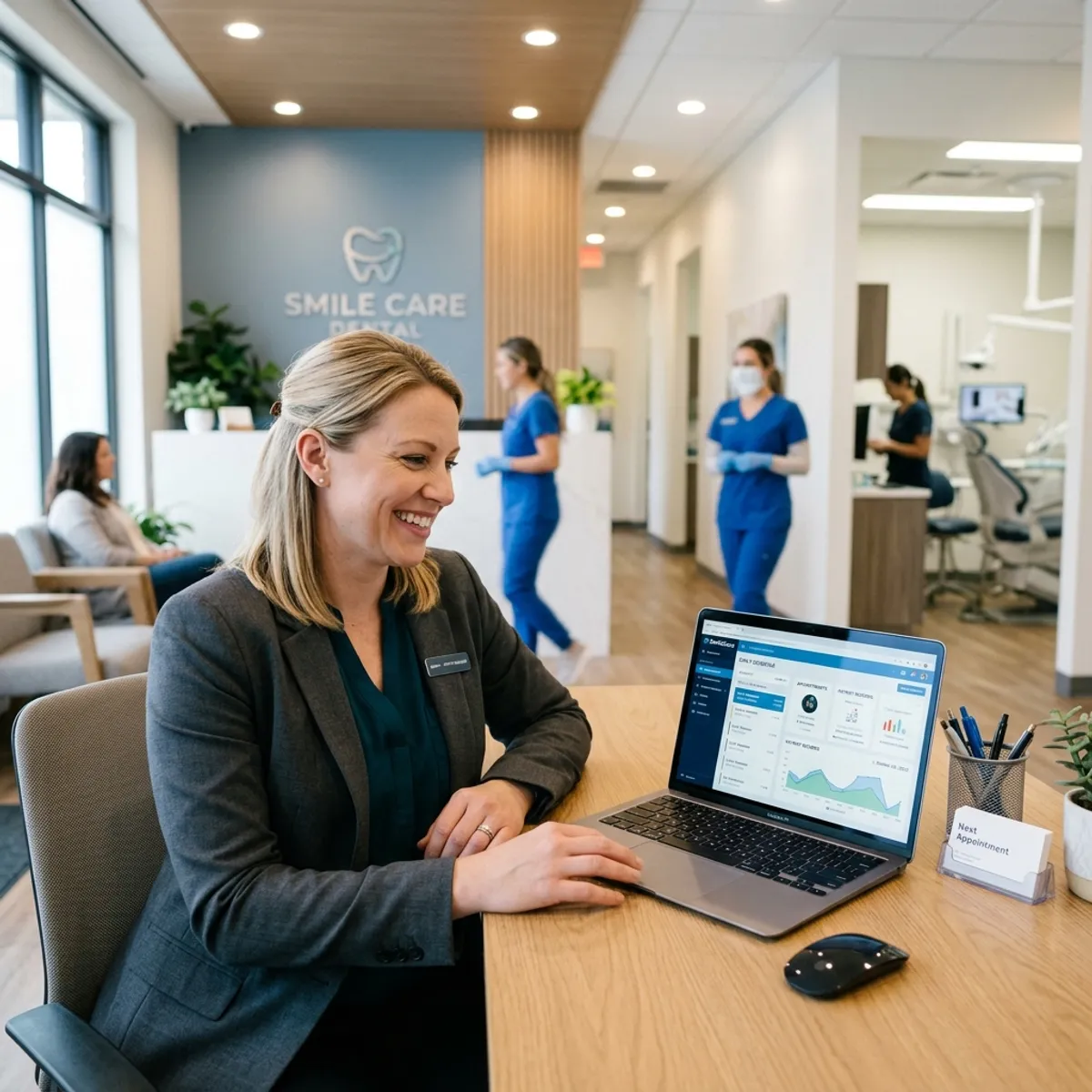
For years, dental practice management software meant a server humming in a back room, with all the maintenance, backup, and failure risk that implies. Cloud-based systems remove the server entirely, and that single change ripples through how a practice operates.
Here is what moving to the cloud actually changes, and what to weigh before you do.
Quick Answer
Cloud-based dental practice management software runs entirely in the browser, giving practices access to their schedule, patient records, and analytics from any device — without a server room, local installation, or IT dependency.
What does cloud-based dental software mean?
It means the software and your data run on secure remote servers, accessed through the internet, rather than on a server physically located in your office. You log in through a browser or app from any connected device.
The practical effect is that the practice no longer owns and maintains server hardware. The vendor handles the infrastructure, including backups, updates, and security patching.
What does the cloud remove from a practice's burden?
The cloud removes several recurring headaches that on-site servers create.
- No server hardware to buy, maintain, or replace
- No manual backups, since they happen automatically
- No software update installs, since updates are pushed automatically
- Less exposure to a single point of hardware failure
- No need for on-site IT to manage the server
How does the cloud help multi-location practices?
Multi-location operations are where the cloud shines. A single cloud system gives every location access to the same data, lets staff and providers work across locations seamlessly, and gives leadership a unified view of the whole group.
With on-site servers, each location is an island that has to be connected and synced. The cloud makes the group a single system by default, which is why most expanding practices and DSOs choose cloud.
Why does the cloud matter for AI integration?
AI tools are largely cloud-based themselves, and they integrate most naturally with cloud systems that are always connected and accessible. A cloud practice management system is reachable in real time, which is exactly what an AI receptionist needs to read the live schedule and book into it.
That does not mean AI cannot work with server-based systems; strong integrations exist for those too. But the cloud generally makes the connection more straightforward and the data more readily available in real time.
What should you weigh before moving to the cloud?
Internet reliability matters, since a cloud system depends on connectivity. Most practices have adequate internet, but it is worth confirming, ideally with a backup connection. Data migration from an existing system is the other consideration, since moving years of records takes planning.
Security and compliance should be confirmed directly with the vendor, including encryption, access controls, and the business associate agreement. Reputable cloud platforms meet HIPAA standards, but verify the specifics.
Frequently Asked Questions
Is cloud-based dental software secure?
What happens to cloud software if my internet goes down?
Is cloud or server-based dental software better?
Can AI tools integrate with cloud dental software?
See PatientXpress in action
Book a 20-minute demo and see how our platform answers calls, books appointments, and runs your practice automations inside the software your team already uses.
Book a Demo