Quick Answer
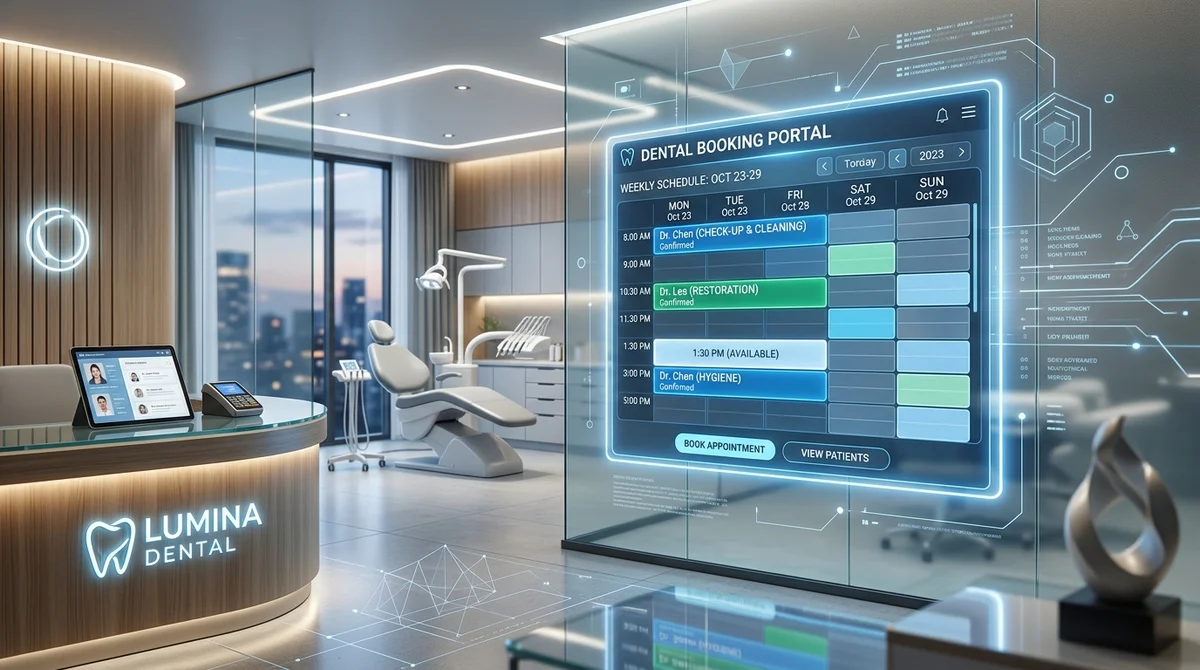
Dentistry is not a desk job. A dental practice mobile app gives clinicians and managers secure access to schedules, patient records, charts, and messaging on iOS and Android smartphones and tablets—streamlining operatory transitions and eliminating late-night documentation backlogs.
Dentistry is not a desk job. Clinicians move between operatories, step out to consult with colleagues, review images in different rooms and sometimes need to check something after hours. Practice owners may oversee multiple locations. Office managers answer questions away from their desks. Yet many dental software tools still assume that everyone sits in front of a fixed computer.
A well-designed mobile app changes that. Here is how mobile access can help dental teams and what to look for when evaluating one.
What Is a Dental Practice Mobile App?
A dental practice mobile app lets team members access parts of the practice's software from a smartphone or tablet. Depending on the product, that might include viewing patient information, reviewing schedules, accessing charts, completing documentation, checking messages or managing tasks. The scope varies, so always confirm which functions are available on mobile and which are not.
PatientXpress offers a dedicated mobile application for iOS and Android designed for clinical and administrative access on the go, as part of its dental engagement platform that works with existing practice management systems.
Where Mobile Access Helps Dental Teams Most
- Moving between operatories: Clinicians can review patient information, notes or forms on a tablet or phone without returning to a fixed workstation. This reduces interruptions and keeps attention on the patient.
- Finishing documentation sooner: Short gaps between appointments are ideal for reviewing and signing notes. Mobile access lets clinicians finish documentation in those gaps instead of staying late.
- Supporting multi-location owners and managers: Owners who oversee several offices can check key information, respond to questions and stay informed without traveling constantly.
- Handling after-hours clinical needs: When an urgent question arises in the evening, such as checking a patient's medication list or confirming a previous procedure, mobile access helps the on-call provider respond with confidence.
- Simplifying front desk tasks: Staff can review form completions, confirm patient information or handle check-in tasks when stepping away from the desk.
- Improving team collaboration: Quick access to the same information helps team members coordinate, from a hygienist flagging a concern to a dentist reviewing it.
Security: The Non-Negotiable Requirement for Mobile Health Tech
Mobile access expands your security perimeter. Phones and tablets can be misplaced, stolen or connected to unsecured networks. Before adopting mobile access, ensure these safeguards exist:
- Strong authentication (passcodes, biometrics, and multi-factor authentication)
- End-to-end encryption for data in transit (TLS 1.3) and at rest (AES-256)
- Role-based access permissions tailored to specific employee duties
- Automatic session timeouts and screen locks
- Remote wipe capability for lost or stolen devices
- Strict prohibition against storing PHI in camera rolls or unsecured messaging apps
- Comprehensive audit logging recording every record access
Essential Features to Look For in a Practice App
- Real-time synchronization with Open Dental, Dentrix, or Eaglesoft
- Intuitive UI designed natively for mobile touchscreens
- Cross-platform support across both iOS (iPhone, iPad) and Android
- Encrypted, HIPAA-compliant internal staff messaging
- Clear offline indicator that prevents accidental data loss
Mobile access gives your team flexibility, and the right app makes it secure and useful. To see how PatientXpress supports clinical and administrative work on iOS and Android, request a demo.
Frequently Asked Questions
Ready to Transform Your Dental Practice?
Book a 20-minute demo to see how PatientXpress integrates with your practice management software to automate intake, reduce paperwork, and protect your schedule.
Book Your Free Demopatientxpress.us | 949-542-6773